
How my tracker works
Every student I teach gets a private tracker alongside their lessons — a place to see what I've taught, what's due, and how it's going. Parents and students sign in with a first name and a 4-digit PIN; there's nothing to install.
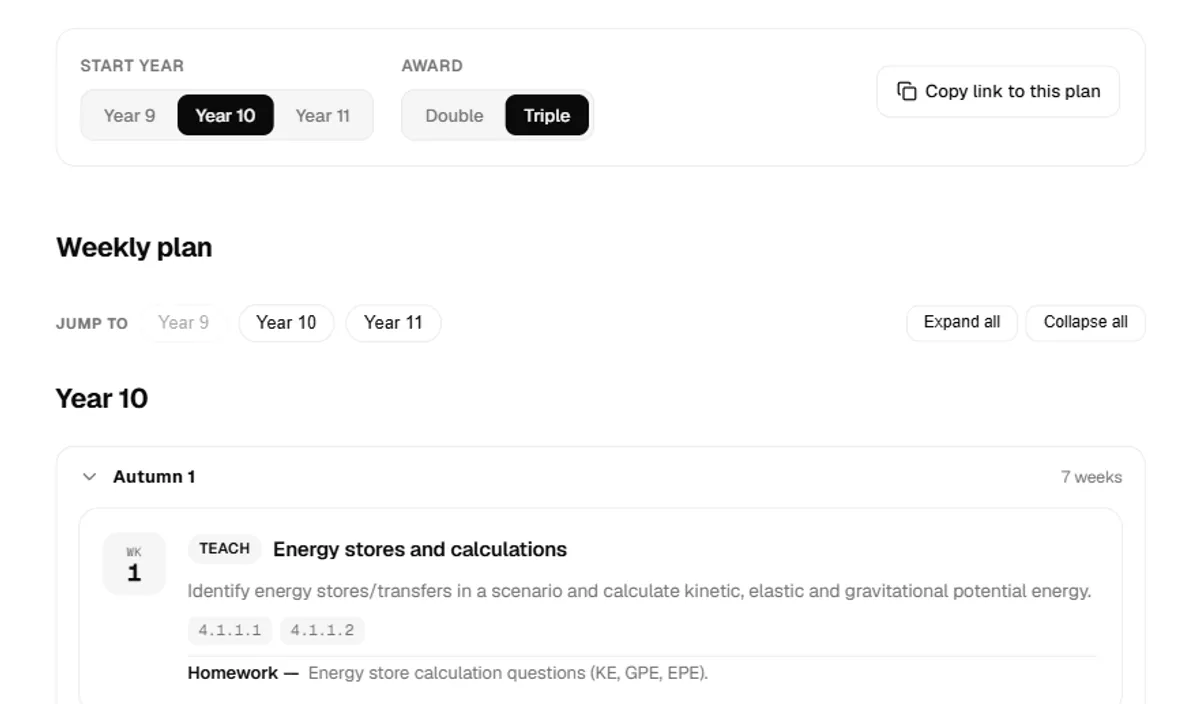
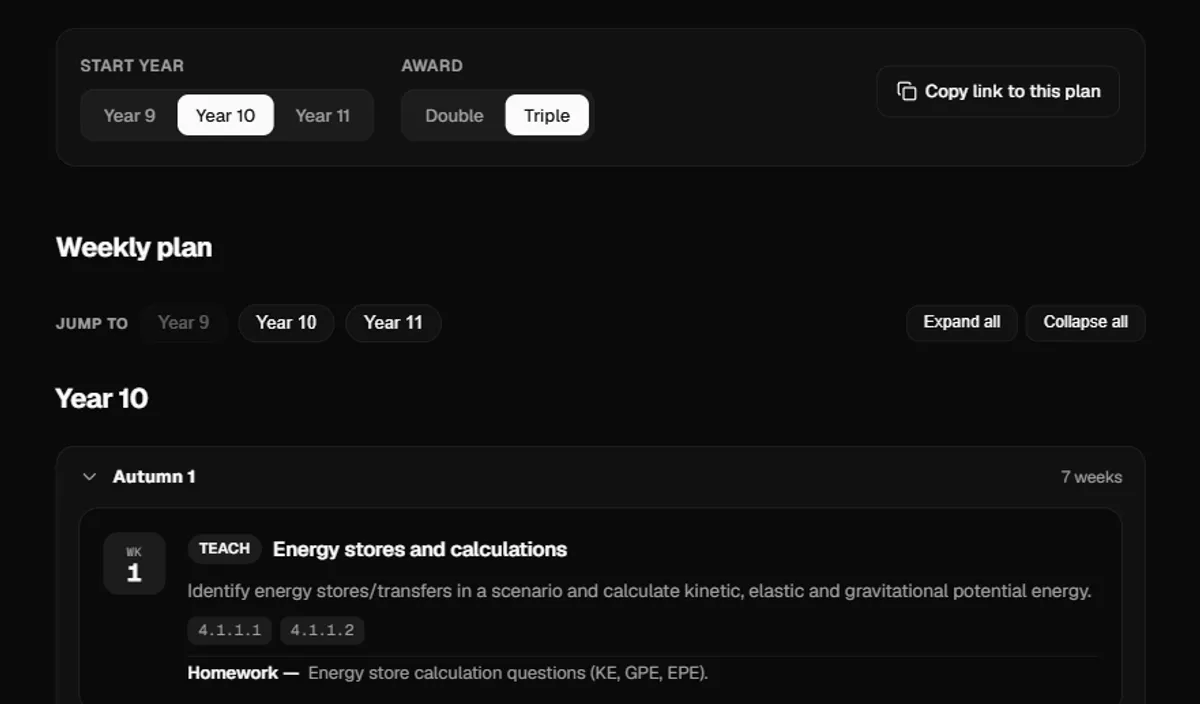
A week-by-week plan, matched to the spec
Every lesson follows a plan I've built from the real AQA specification — Physics 8463 (Triple) or the physics part of Combined Science Trilogy 8464 (Double) — organised by start year. You can see exactly what I've covered, what's next, and how the whole course fits together.
- Week-by-week topics, matched to Year 9, 10 or 11 start routes
- Triple and Double award shown separately, with required practicals flagged
- A flexible order — the plan adapts, it isn't a fixed timetable
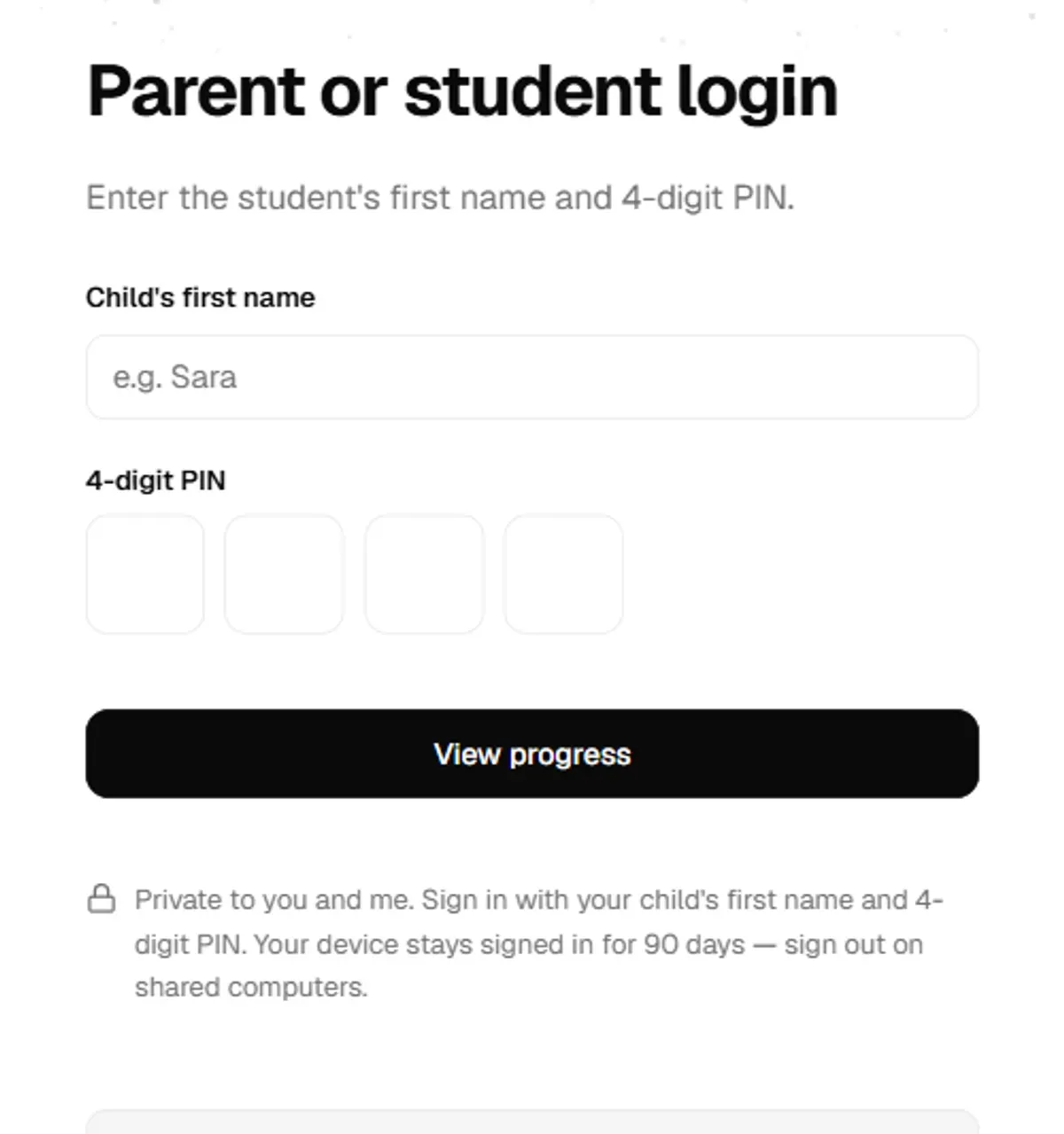
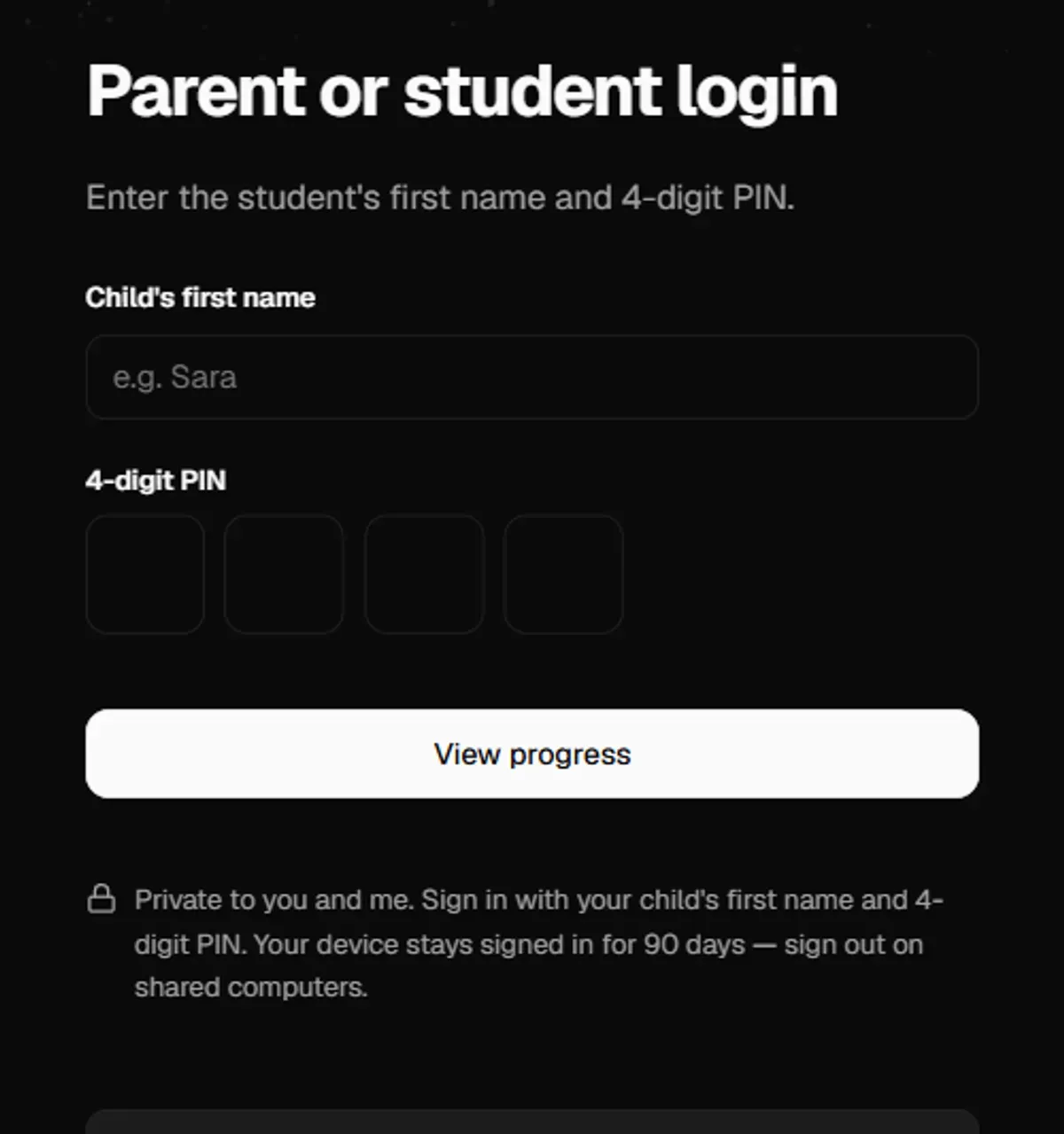
Sign in with a name and a PIN — that's it
No account to create and no app to install. Each student has their own first name and 4-digit PIN, set up by me. Enter both on the login screen and you're straight into that student's tracker.
- First name + 4-digit PIN, nothing else to remember
- Only you and I can see your child's tracker
- Locks out after a few wrong attempts, to keep it private
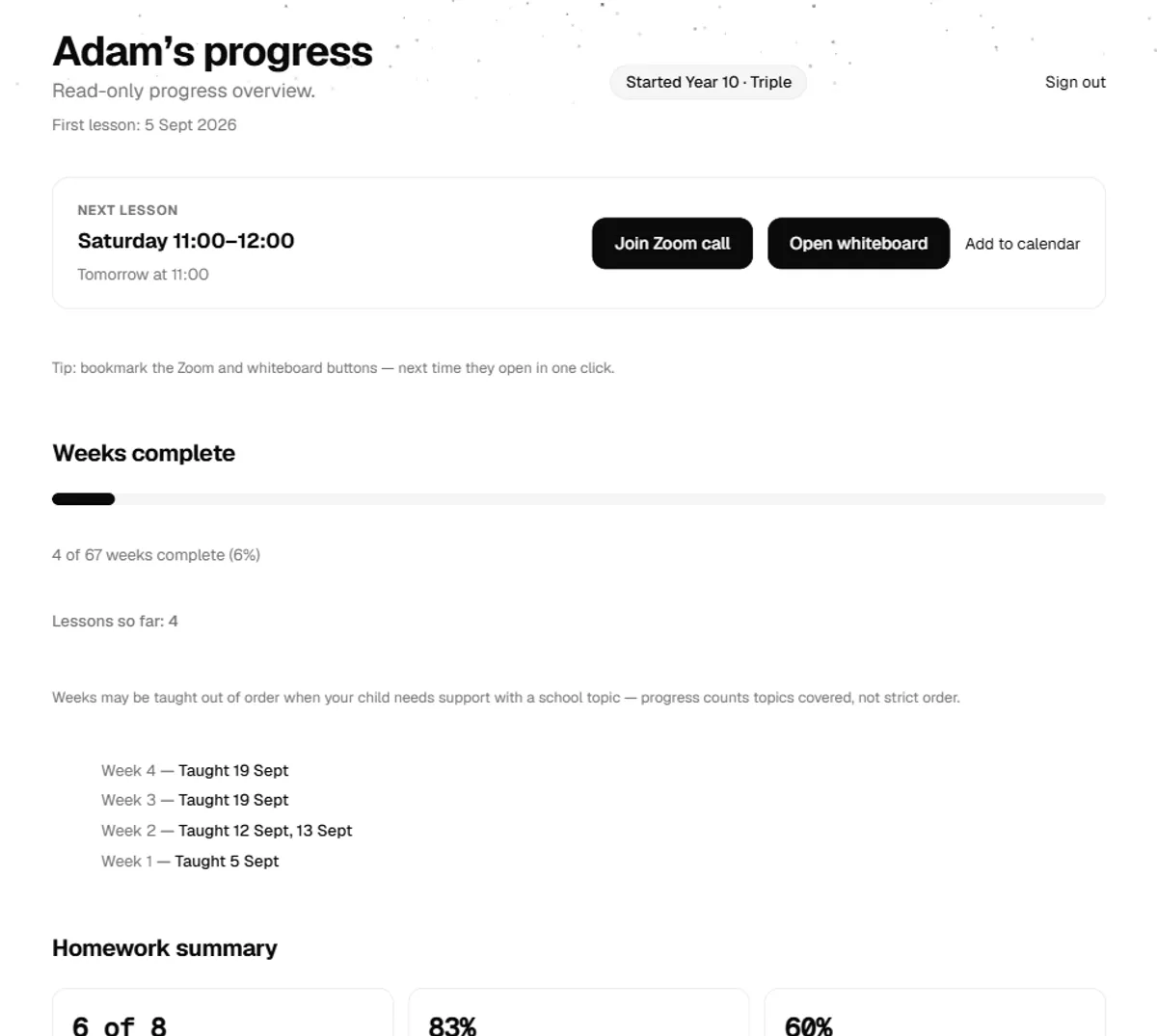
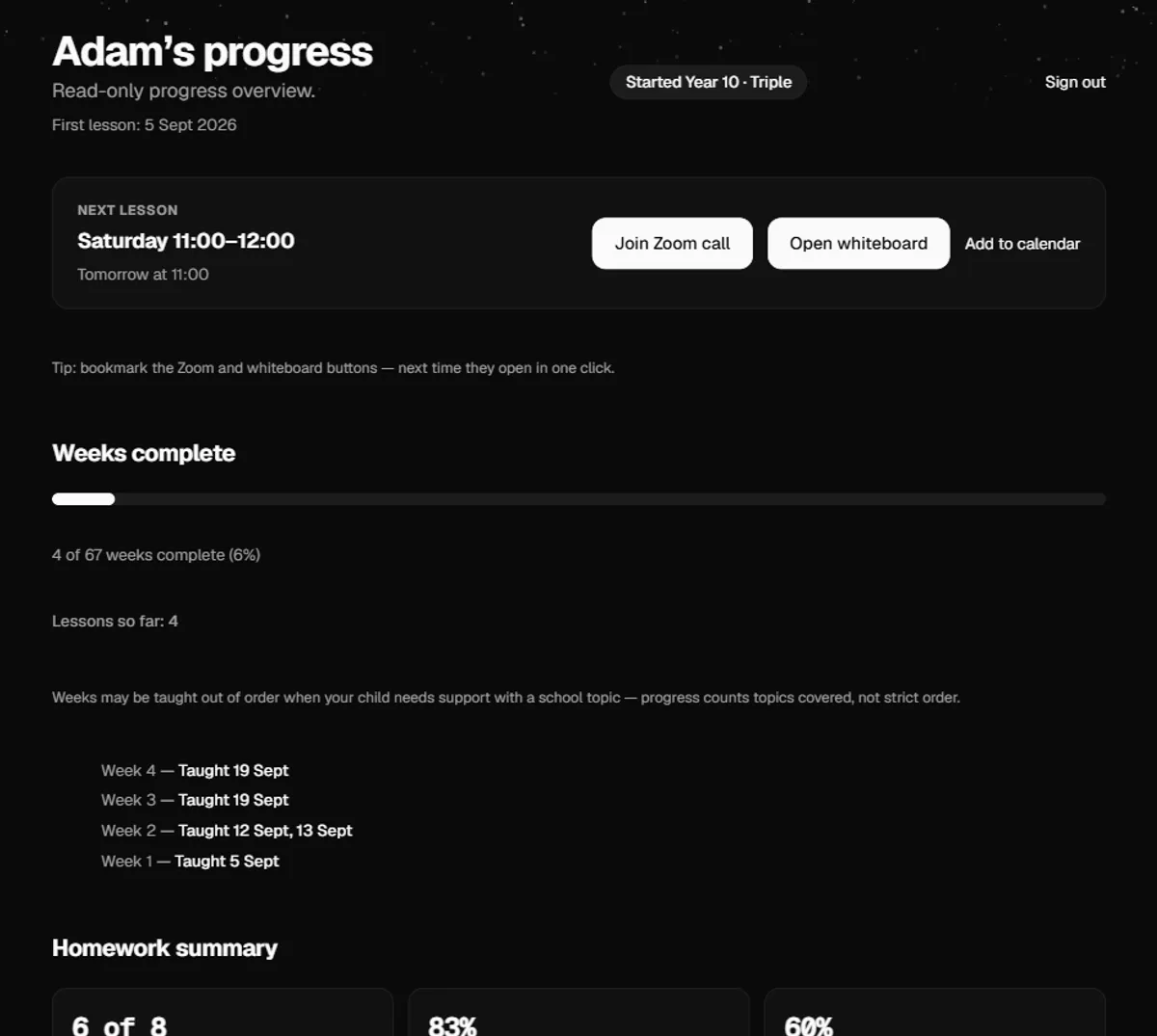
See how a lesson went, without having to ask
Once signed in, you'll see the next lesson with a one-click join button, weekly progress through the curriculum, and homework marks with my feedback as soon as it's in. Topics are colour-coded so a dip is easy to spot early.
- Your child's first lesson date, and the dates I've taught each week
- Next lesson, with a one-click join button
- Weekly progress and recent homework marks with feedback
- Topic-by-topic colours, so a weak spot is easy to spot
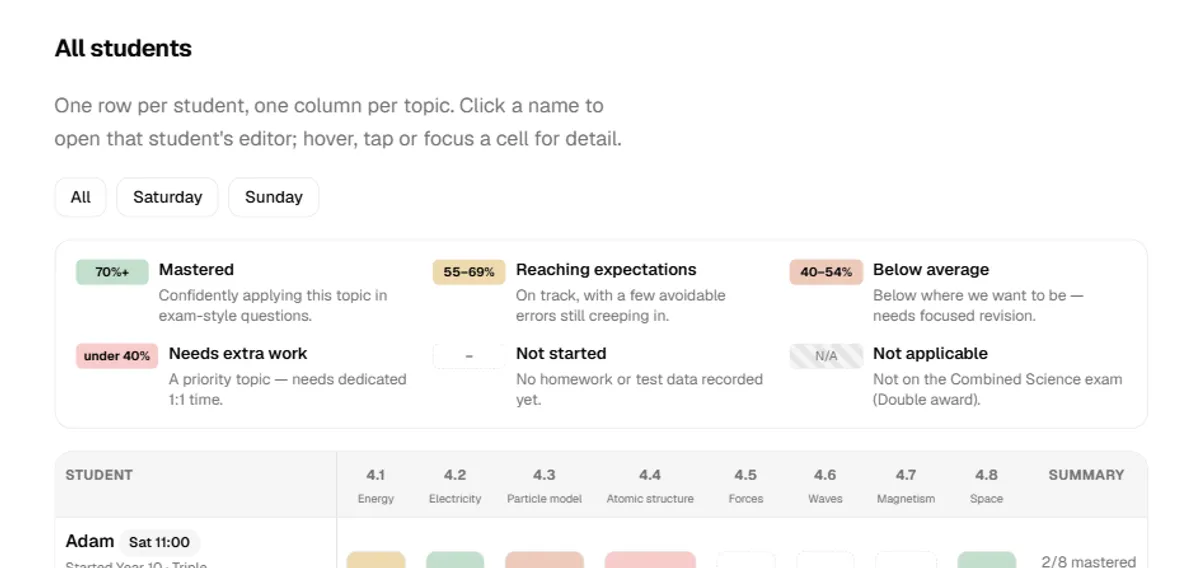
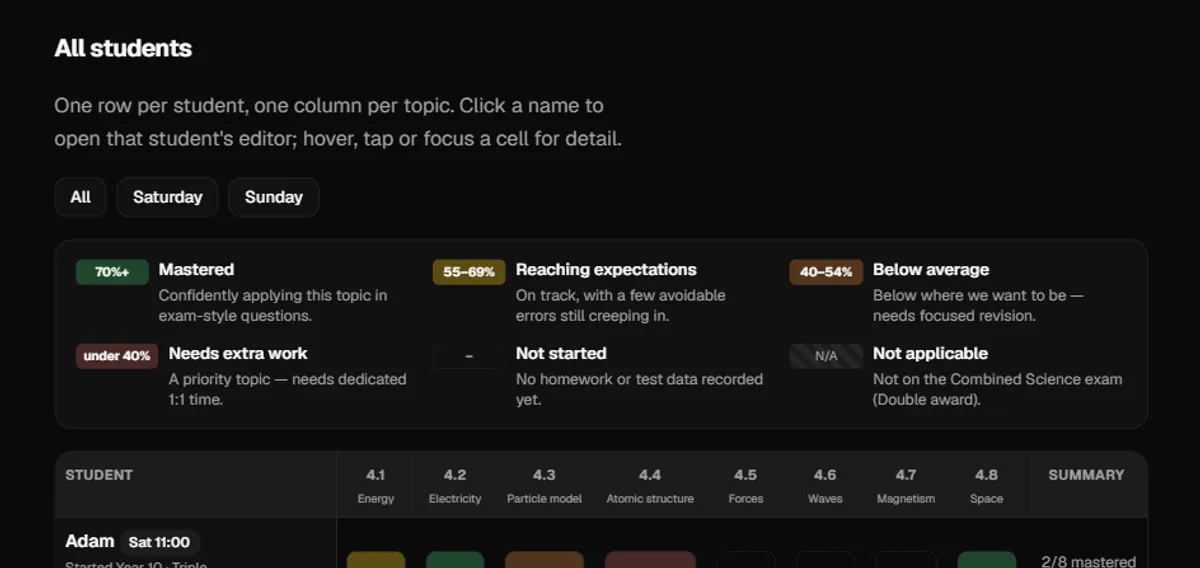
One grid, every student, every topic
Behind the scenes, I track every student against the same topic list — from topic test scores, homework averages, or a manual note — so a gap gets picked up and planned for before it becomes a problem.
- A mastery grid across every student, colour-coded by topic
- Scored from topic tests, homework averages, or a manual note
- Homework set, marked and returned with feedback, every week
Ready to see it for real?
Sign in to your child's tracker, or see my full curriculum plan first.
Screenshots use example data.